
How to Download Your Video and Document Files #
In this guide, we introduce you to the various download options available for your videos and documents, helping you save your completed work efficiently.
Overview of Download Process #
This tutorial explains the steps to download your finalized video and document files, ensuring you can easily preserve and share your content.
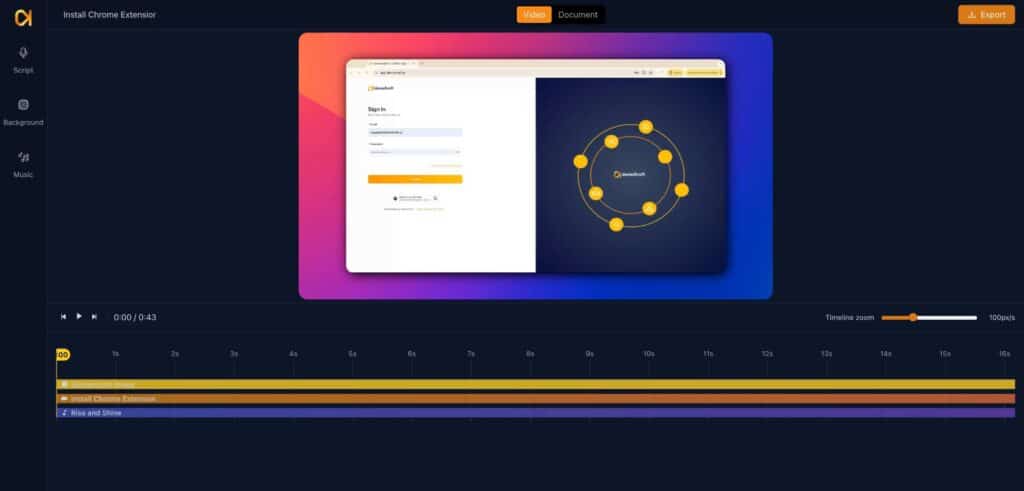
Initiating Video Download #
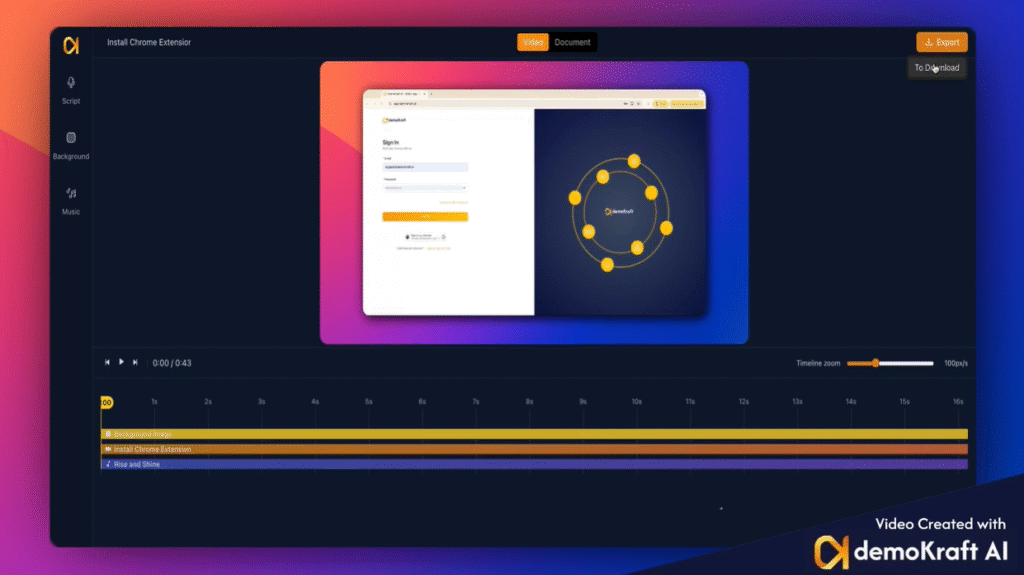
Once you have edited and saved your video or document, you can begin the download process. Start by selecting the video segment, then click ‘Export’ followed by ‘Download’ to proceed.
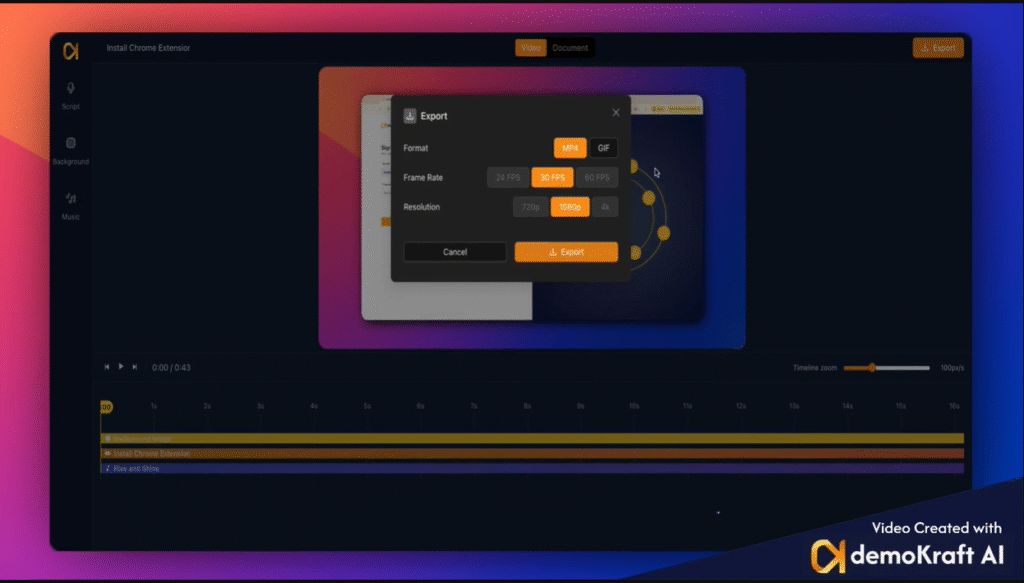
Selecting Video Format and Saving #
You will see two format options for your video: MP4 and GIF. If you choose GIF, select the size you prefer, then click ‘Export’. The system will prepare the file in the background. When ready, a download link will appear for you to save the file to your device.
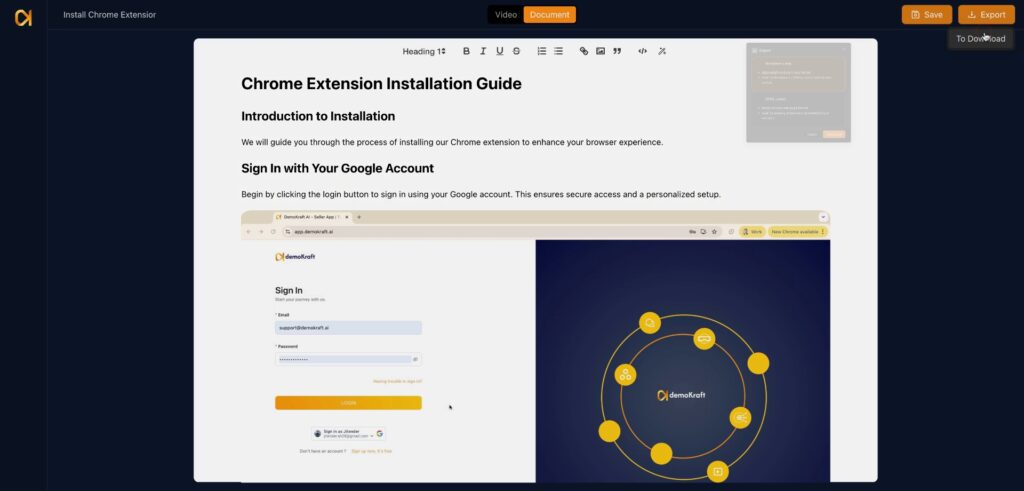
Downloading Documents Made Simple #
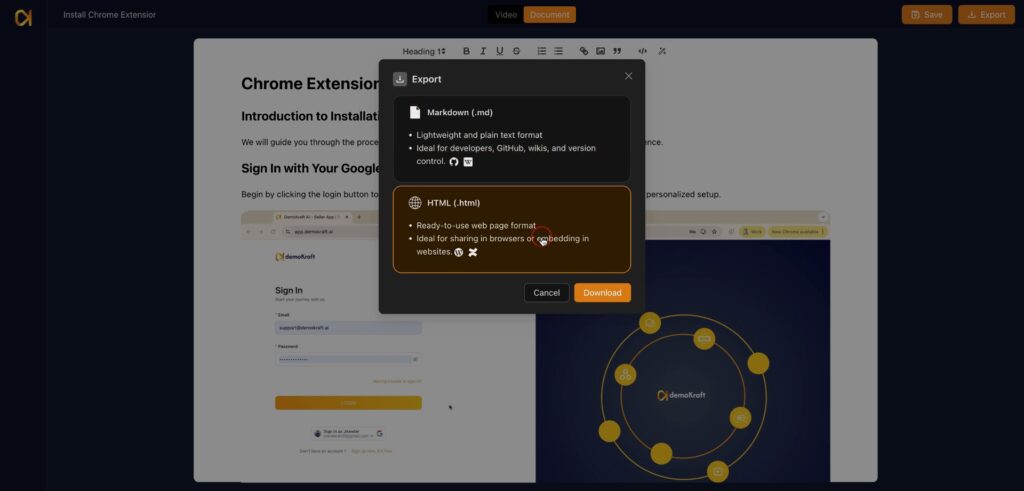
To download your document, click on it first. After completing your edits, select ‘Export’ and then choose ‘Download’ to access format options for saving your file.
Document Format Choices #
Your document can be downloaded in two formats: Markdown, which works with any Markdown editor, or HTML, which is suitable for viewing in browsers or for web embedding.
Using and Saving HTML Documents #
Selecting the HTML format provides a file that opens in your web browser or can be embedded directly into web pages. After selecting your preferred format, click ‘Download’ to save the file onto your computer.
Closing Remarks #
By following these straightforward download steps, you can efficiently save and utilize your videos and documents in formats that best suit your needs.
