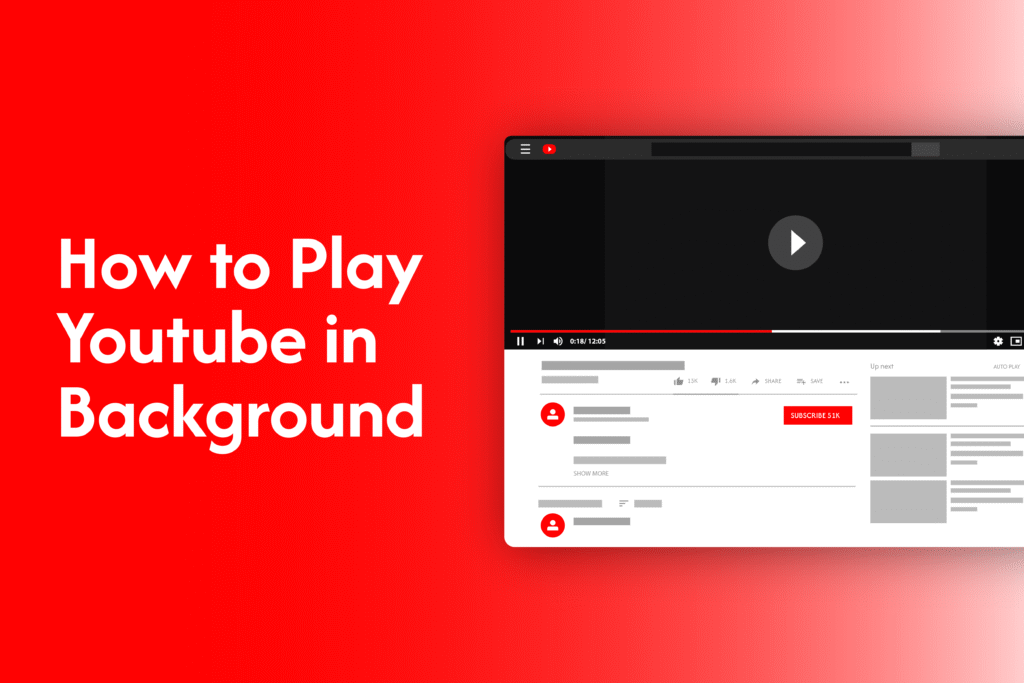
If you want to play YouTube in the background while using other apps or locking your phone, there are a few simple ways to do it. The method depends on your device, but you don’t always need a premium subscription.
Method 1: Use YouTube Premium (official way)
The easiest way to enable background play on YouTube is through YouTube Premium:
- Open the YouTube app
- Play any video
- Exit the app or lock your phone
The video will continue playing in the background.
👉 This feature is available only with a YouTube Premium subscription.
Method 2: Use browser (no subscription needed)
If you don’t have Premium, you can still play YouTube in the background using your browser:
On Android or iPhone:
- Open Chrome or Safari
- Go to youtube.com
- Switch to Desktop site (from browser settings)
- Play the video
- Go back to your home screen or lock your phone
- Use the notification panel or media controls to resume playback
This method works in most cases and doesn’t require any subscription.
Method 3: Use Picture-in-Picture (PiP mode)
Some devices support Picture-in-Picture mode:
- Play a video in the YouTube app
- Swipe to minimize the app
- The video will continue playing in a small floating window
👉 This works best on Android devices and supported regions.
Why background play is useful
- Listen to music or podcasts while using other apps
- Save time by multitasking
- Continue playback even when your screen is locked