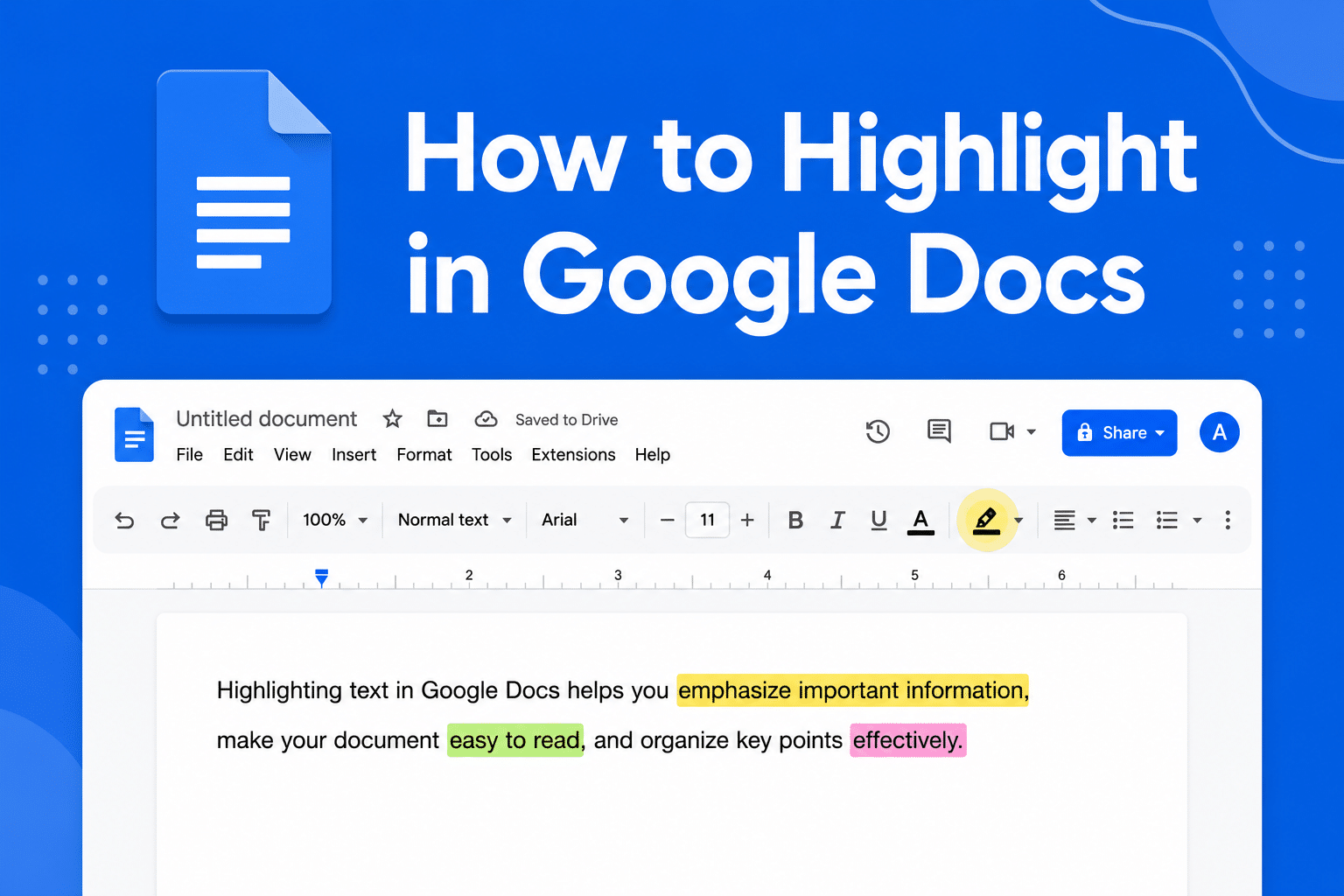
If you want to emphasize important text, learning how to highlight in Google Docs helps make your content easier to read and review.
Highlight text in Google Docs
In Google Docs:
- Open your document
- Select the text you want to highlight
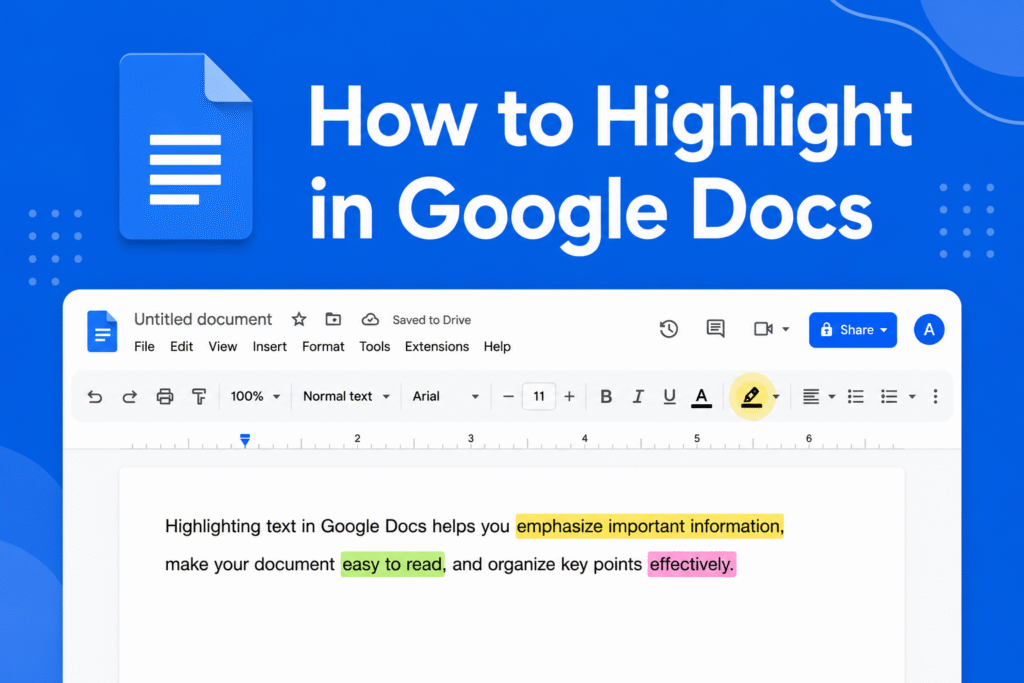
- Click the Highlight color icon in the toolbar
- Choose your preferred color
→ The selected text will be highlighted instantly
Remove highlight color
- Select the highlighted text
- Click the Highlight color icon
- Choose None
→ The highlight will be removed
Why use highlighting
- Emphasize important information
- Improve readability
- Make notes and edits easier to spot
Quick tip
Use light highlight colors like yellow or light blue so the text remains easy to read.