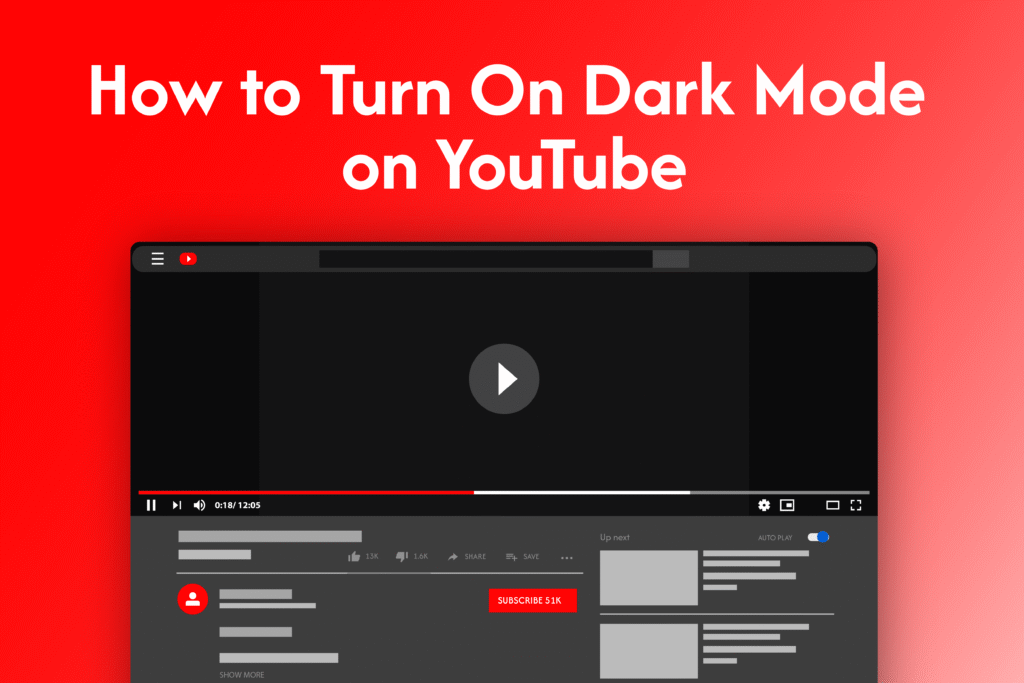
If you prefer a darker interface or want to reduce eye strain, learning how to turn on dark mode on YouTube is quick and easy.
Turn on dark mode on desktop
In YouTube:
- Open YouTube in your browser
- Click on your profile icon (top right)
- Select Appearance
- Choose Dark theme
→ Dark mode will be applied instantly
Turn on dark mode on mobile (Android & iPhone)
- Open the YouTube app
- Tap your profile icon
- Go to Settings
- Tap General
- Select Appearance
- Choose Dark theme
→ The app will switch to dark mode
Why use dark mode
- Reduces eye strain in low light
- Saves battery on some devices
- Improves viewing comfort
Quick tip
You can also set YouTube to match your device’s theme by selecting Use device theme in Appearance settings.