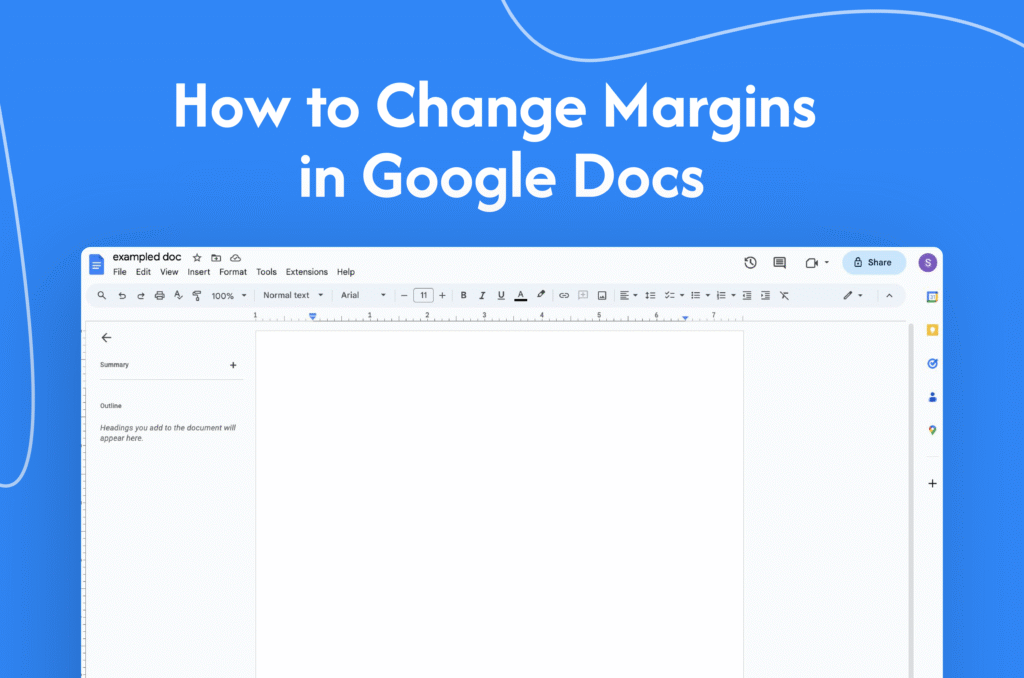
If you need to adjust spacing around your document, learning how to change Google Docs margins helps you format your content properly.
Change margins using Page Setup
In Google Docs:
- Open your document
- Click on File in the top menu
- Select Page setup
- Enter your desired margin values:
- Top
- Bottom
- Left
- Right
- Click OK
→ Your margins will be updated instantly
Adjust margins using the ruler
- Make sure the ruler is visible (View → Show ruler)
- Drag the grey margin markers on the ruler
→ This lets you quickly adjust margins visually
Set margins as default
- Go to File → Page setup
- Set your preferred margins
- Click Set as default
- Click OK
→ All new documents will use these margins
Why change margins
- Meet formatting requirements
- Improve readability
- Customize document layout
Quick tip
Use Page Setup for exact measurements and the ruler for quick adjustments.