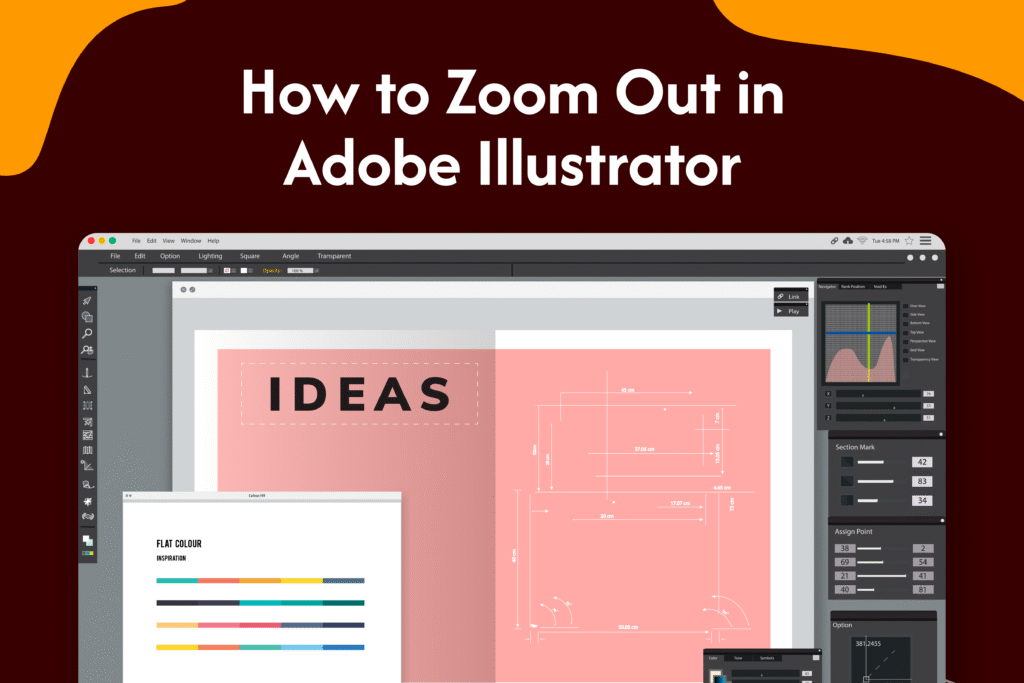
If your artwork appears too large on the screen, learning how to zoom out in Adobe Illustrator helps you get a better view of your design.
Zoom out using keyboard shortcut
In Adobe Illustrator:
- Press Ctrl + – (minus key) on Windows
- Press Command + – on Mac
→ This quickly zooms out of your canvas
Use the Zoom tool
- Select the Zoom tool (Z) from the toolbar
- Hold Alt (Windows) or Option (Mac)
- Click on the canvas
→ This will zoom out
Zoom out using the menu
- Click on View in the top menu
- Select Zoom Out
Why zoom out in Illustrator
- View full design layout
- Adjust positioning and alignment
- Work more efficiently on detailed projects
Quick tip
Use Fit Artboard to Screen often to quickly reset your view and avoid getting lost in zoom levels.